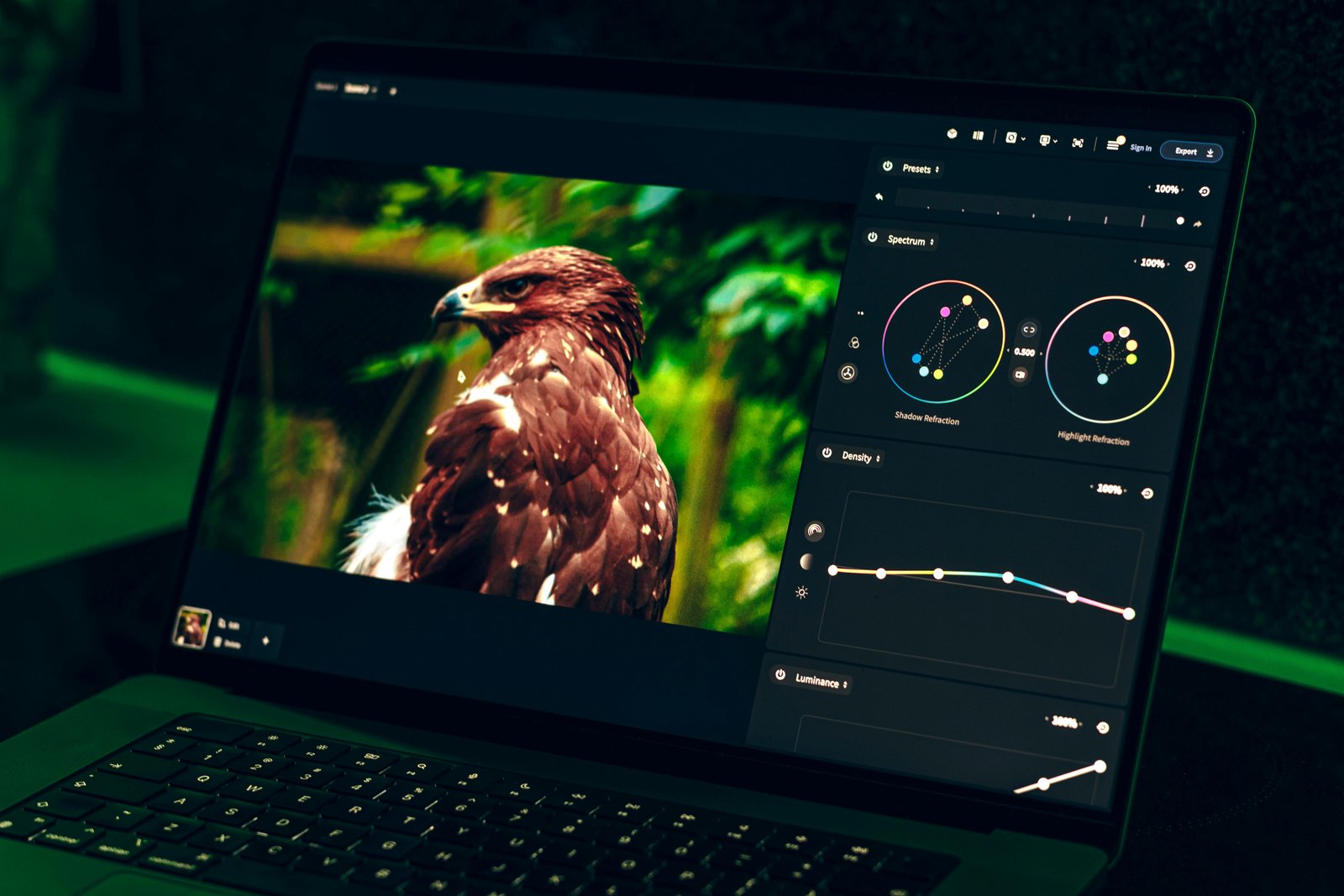
Image Editing Software
Professional photo editing using Adobe Photoshop and GIMP for real-world creative workflows.
Duration: 3 Months
Category: Business, Productivity & Design
Course Description
A hands-on program designed to teach learners how to professionally edit, manipulate, and enhance images using Adobe Photoshop and GIMP. Students are trained in real-world workflows including retouching, digital compositing, color correction, and preparing visuals for print and digital platforms. The course is practical from day one, ensuring learners develop the creative and technical skills required in photography, branding, advertising, and social media content creation.
Curriculum
- Essential Tools & Interface: Layers, masks, selections, brushes, and workspace setup.
- Photo Retouching: Skin smoothing, blemish removal, color grading, and lighting enhancements.
- Digital Manipulation & Compositing: Combining multiple images, background removal, and realistic shadows.
- Graphic Elements: Text effects, shapes, icons, and simple marketing visuals.
- GIMP for Open-Source Workflow: Editing principles and shortcuts compatible with non-Adobe environments.
- Exporting & Optimization: Formats for print, web, and social media platforms.
Career outcomes & prerequisites (The Why & Who)
- Photographers, social media creators, and beginners in graphic arts.
- Students preparing for design, media, or branding roles.
- Anyone who wants to create high-quality images for business or personal use.
Key outcomes & value
- Professional Image Editing: Confident use of Photoshop and GIMP.
- Creative Portfolio: A collection of retouched and manipulated images.
- Market-Ready Skills: Ability to work with photographers, agencies, and digital brands.

Tech Development
Business & design